AI Chatbot for Business: How to Automate Your Customer Service in 2026
Last updated: March 2026 | Reading time: 10 minutes
Customers today expect instant answers around the clock, across every channel. Yet the reality in many businesses looks different: long wait times, overwhelmed support teams, and repetitive standard questions that consume valuable working hours. An AI chatbot for business solves exactly this problem. It answers customer inquiries in seconds, relieves your team, and simultaneously boosts customer satisfaction – 24 hours a day, 7 days a week.
In this comprehensive guide, you will learn what benefits an AI chatbot offers, where it delivers the most value, what to look for when choosing a solution, and how to successfully implement one in your organisation.
Table of Contents
- What Is an AI Chatbot and How Does It Work?
- 7 Benefits of an AI Chatbot for Business
- The 3 Most Important Use Cases
- Selection Criteria: Finding the Right AI Chatbot
- Implementation in 5 Steps
- Chatbyte: The Multichannel Solution for Your Customer Service
- Frequently Asked Questions (FAQ)
What Is an AI Chatbot and How Does It Work?
An AI chatbot is artificial intelligence-powered software that conducts natural-language conversations with customers – via your website, WhatsApp, email, or other messaging channels. Unlike first-generation rule-based chatbots that could only respond to predefined keywords, modern AI chatbots understand the context and intent behind a message.
The technology is built on large language models (LLMs) such as GPT-4o, trained on billions of text data points. This enables them to understand complex questions, formulate relevant answers, and even consider the entire conversation history. A well-configured AI chatbot draws on your company's specific knowledge base – product information, FAQs, pricing, process documentation – to deliver precise, brand-consistent answers.
According to Gartner, by 2027 approximately 25% of all organisations will use chatbots as their primary customer service channel. For the European market, industry analysts predict that over 60% of mid-sized businesses will adopt AI-powered communication tools by 2026.
The critical difference from a simple FAQ page: an AI chatbot conducts real dialogues. It asks clarifying questions when a request is unclear, hands off to a human agent when needed, and continuously learns from interactions.
7 Benefits of an AI Chatbot for Business
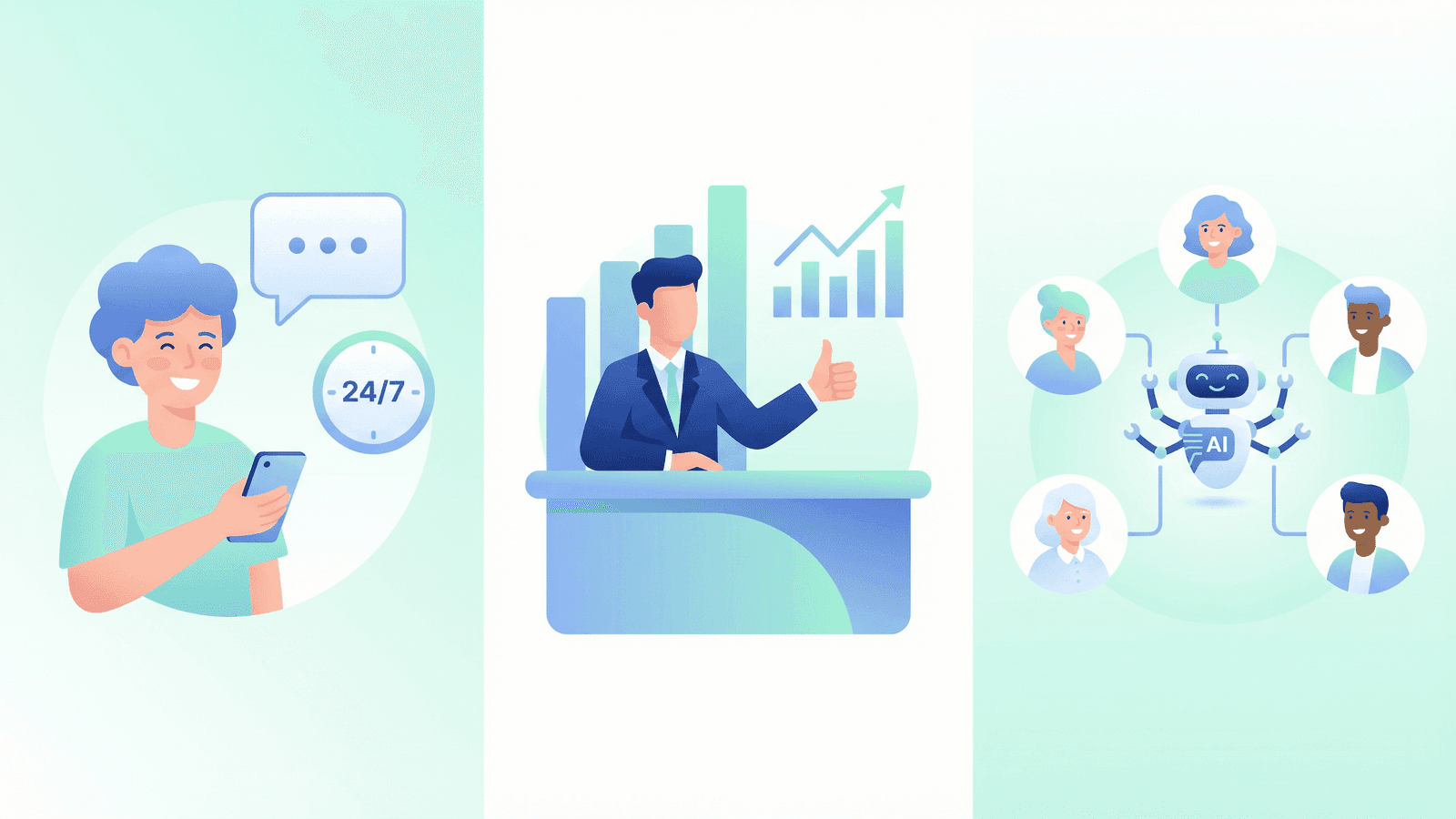
Deploying an AI chatbot delivers measurable benefits for businesses of every size. Here are the seven most compelling reasons to invest.
1. Round-the-Clock Availability
Customers don't limit their inquiries to business hours. Whether it's late evening, the weekend, or a public holiday, an AI chatbot is always available. This means no more lost leads because a prospect couldn't get an answer at 10 p.m. Research shows that businesses with 24/7 availability generate up to 35% more qualified leads than those with limited service hours.
2. Instant Response Times
While a human agent typically takes 2–5 minutes for an initial response, an AI chatbot replies in under one second. This speed is critical: 53% of customers abandon an inquiry if they have to wait longer than 10 minutes for a response. A chatbot eliminates wait times entirely.
3. Unlimited Scalability
A human agent can handle one conversation at a time. An AI chatbot can manage hundreds or thousands of conversations simultaneously – without any drop in quality. This makes it particularly valuable during peak periods, product launches, or seasonal spikes when inquiry volumes surge unexpectedly.
4. Cost Reduction of 40–60%
Automating repetitive inquiries through an AI chatbot significantly lowers customer service costs. Industry analyses show that businesses can reduce their service costs by 40 to 60% through AI chatbot deployment. Importantly, this doesn't mean replacing staff – it means freeing them from routine tasks so they can focus on complex, high-value work.
5. Consistent Quality
People have good days and bad days. An AI chatbot, however, delivers consistently high-quality answers – regardless of time of day, workload, or mood. Every customer interaction follows your defined quality standards and brand guidelines.
6. Multilingual Support
For businesses with an international customer base, multilingual capability is essential. Modern AI chatbots support 50 or more languages and can switch seamlessly between them – without needing to build a separate team for each language.
7. Data-Driven Optimisation
Every chatbot conversation generates valuable data: What questions do customers ask most frequently? Where are the knowledge gaps? Which products are most in demand? These insights enable continuous optimisation – not just of the chatbot itself, but also of your products, processes, and marketing strategies.
Benefit | Impact | Measurable Effect |
|---|---|---|
24/7 Availability | No lost leads | +35% qualified leads |
Instant Responses | Zero wait times | Response in < 1 second |
Scalability | Unlimited parallel conversations | No capacity bottlenecks |
Cost Reduction | Automation of routine inquiries | 40–60% lower service costs |
Consistent Quality | Uniform answer quality | Higher customer satisfaction |
Multilingual | International support | 50+ languages at no extra cost |
Data Insights | Understand customer behaviour | Better business decisions |
The 3 Most Important Use Cases
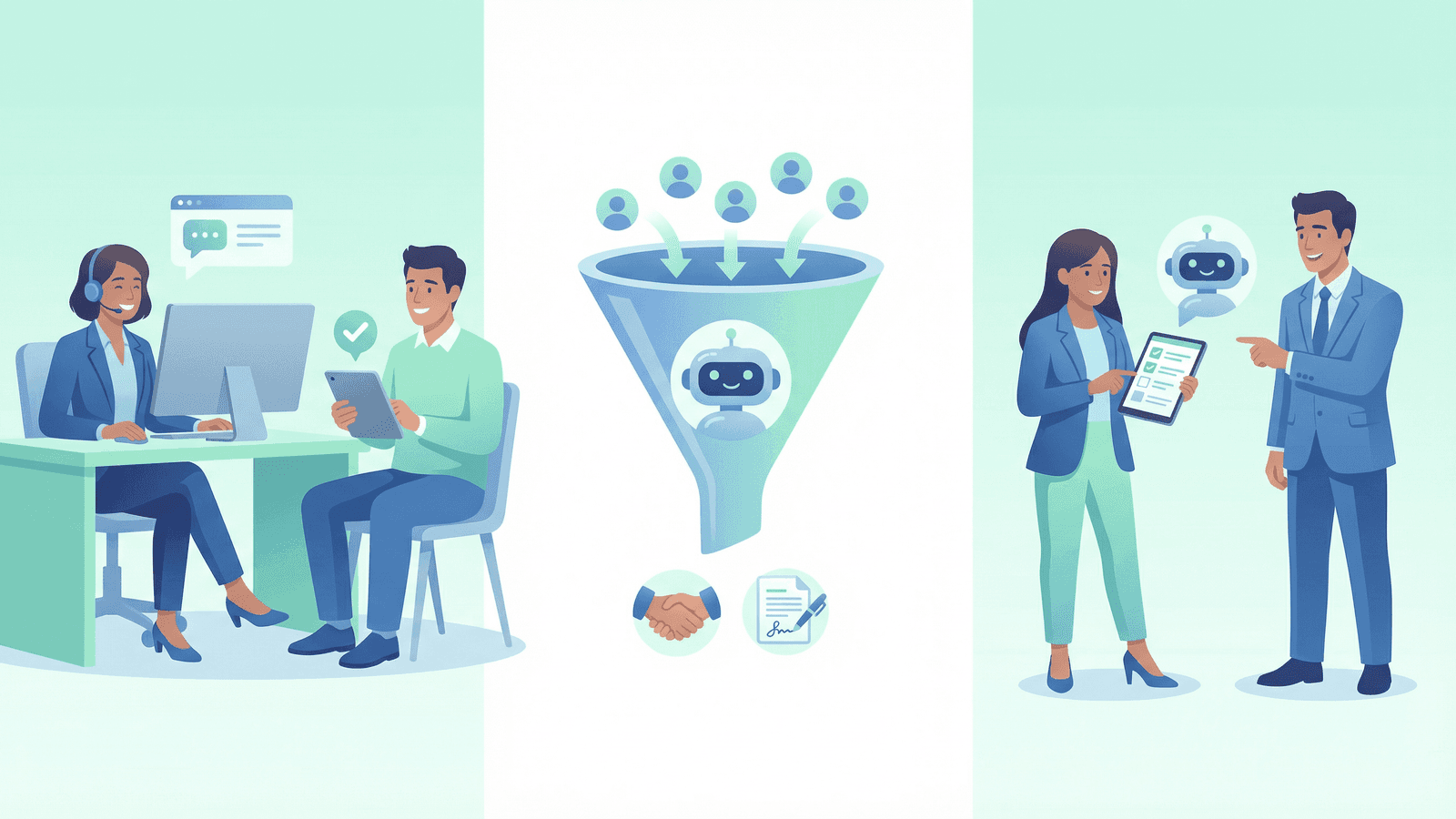
An AI chatbot is versatile. The three areas where it delivers the greatest value are customer service, sales, and employee onboarding.
Use Case 1: Automating Customer Service
The classic and most impactful use case. An AI chatbot in customer service answers frequently asked questions about products, pricing, delivery times, returns, and opening hours – automatically and instantly. But it goes far beyond simple FAQ responses.
A well-trained AI chatbot can check order status by connecting to your ERP or e-commerce system. It can log complaints and automatically create a ticket in your helpdesk. It can schedule appointments by accessing your team's calendar. And when an issue is too complex, it can seamlessly hand off to a human agent – including the full conversation history, so the customer doesn't have to repeat themselves.
Real-world example: A mid-sized e-commerce retailer was able to automatically resolve 78% of all incoming customer inquiries after deploying an AI chatbot. Average response time dropped from 4 hours to under 10 seconds, and customer satisfaction increased by 22 percentage points.
Use Case 2: Sales and Lead Qualification
An AI chatbot isn't just a cost centre – it's an active revenue driver. In a sales context, it can proactively engage website visitors, qualify their interest, and hand warm leads directly to your sales team.
The chatbot asks targeted questions to understand the prospect's needs: What company size? What industry? What budget? Based on the answers, it can recommend suitable products or plans, schedule a demo, or initiate a custom quote. Studies show that businesses with AI-powered lead qualification can increase their conversion rate by 15–25%.
The impact is especially strong on landing pages and pricing pages, where visitors are close to a buying decision. A proactive chatbot that asks the right question at the right moment can make the difference between a lost visitor and a new customer.
Use Case 3: Employee Onboarding and Internal Support
An often underestimated use case: the internal AI chatbot. New employees have hundreds of questions in their first weeks – about processes, tools, contacts, and policies. An internal chatbot answers these questions instantly, without pulling colleagues away from their work.
The chatbot can serve as an interactive handbook, guiding new hires through onboarding checklists, explaining IT access, and summarising company policies. It's equally valuable for existing employees: questions about holiday policies, expense guidelines, or IT issues are answered in seconds, rather than waiting for a response from HR or IT.
Selection Criteria: Finding the Right AI Chatbot
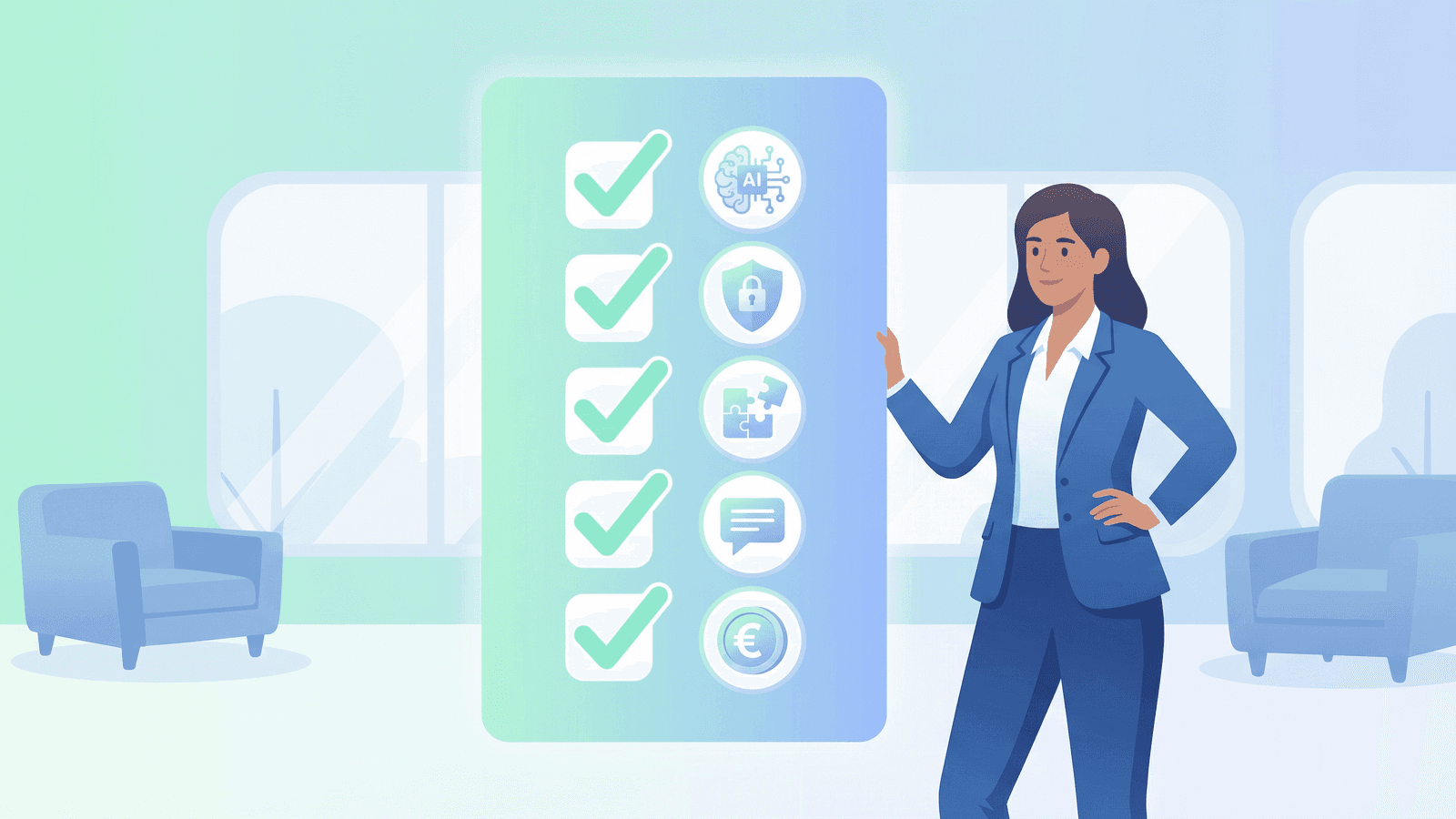
The AI chatbot market is large and fragmented. To find the right solution for your business, you should systematically evaluate five key criteria.
AI Quality and Language Understanding
The quality of the AI is the most important criterion. Test how well the chatbot understands complex questions, handles typos, and maintains context across multiple messages. A good AI chatbot also recognises the customer's sentiment and adjusts its tone accordingly – friendly for general questions, empathetic for complaints, factual for technical inquiries.
Pay attention to which language model the provider uses. Solutions built on current models like GPT-4o deliver significantly better results than older systems. It's also crucial whether the chatbot can be trained on your company-specific knowledge base – only then will it deliver truly relevant answers.
GDPR Compliance and Data Privacy
For businesses in the EU, GDPR compliance is non-negotiable. Check where data is stored (ideally in the EU or Germany), whether the provider offers a Data Processing Agreement (DPA), and what certifications they hold (ISO 27001, SOC-2). Also verify whether customer data is used for model training – reputable providers contractually exclude this.
Integrations and Channel Coverage
An AI chatbot delivers its full value only when seamlessly integrated into your existing infrastructure. Check whether connectors exist for your CRM system (HubSpot, Salesforce, Pipedrive), your helpdesk (Zendesk, Freshdesk), your calendar (Google Calendar, Outlook), and your e-commerce platform (Shopify, WooCommerce).
Equally important is channel coverage: Which channels can the chatbot communicate through? Most providers are limited to website chat. Advanced solutions like Chatbyte additionally offer WhatsApp, email, RCS, and even phone support via an integrated AI phone agent – all from a single platform.
Customisation and Branding
The chatbot represents your company. It should therefore be visually and tonally customisable to match your brand. Check whether you can individually configure colours, logo, greeting messages, and tone of voice. Some providers also allow you to define conversation flows and escalation rules, so the chatbot behaves exactly as your business requires.
Pricing Model and Scalability
Pricing models vary significantly: from monthly flat rates to usage-based billing (per conversation or per message) to enterprise packages. Calculate the total cost based on your expected message volume and watch for hidden fees for integrations, additional channels, or premium support.
Criterion | What to Look For | Red Flag |
|---|---|---|
AI Quality | GPT-4o or equivalent, custom training | Rule-based only, no LLM |
Data Privacy | EU hosting, DPA, ISO 27001 | US hosting without DPA |
Integrations | CRM, helpdesk, calendar, e-commerce | No API, copy-paste only |
Channel Coverage | Website, WhatsApp, email, phone | Website chat only |
Customisation | Branding, tone, conversation flows | One-size-fits-all |
Pricing | Transparent, scalable | Hidden costs, lock-in |
Implementation in 5 Steps
Deploying an AI chatbot doesn't have to be complicated. With the right approach, you can go live within days. Here is a proven 5-step plan.
Step 1: Define goals and use cases. Before setting up a chatbot, clarify what specific problems it should solve. Should it primarily relieve customer service? Qualify leads? Or both? Define measurable goals, for example: "Automatically answer 80% of standard inquiries" or "Reduce response time to under 30 seconds."
Step 2: Build the knowledge base. Gather all information the chatbot needs: FAQs, product descriptions, pricing, process documentation, opening hours. The more comprehensive and structured the knowledge base, the better the answer quality. Most modern platforms allow importing PDFs, website URLs, or text documents.
Step 3: Configure and test the chatbot. Set up the chatbot: define the tone of voice (formal or casual), the greeting message, escalation rules, and visual design. Then test extensively with real customer inquiries. Ask colleagues from different departments to test the chatbot and provide feedback.
Step 4: Soft launch and optimise. Start with a limited deployment – for example, only on one subpage or only for certain customer segments. Analyse the first conversations: Where does the chatbot perform well? Where are the gaps? Supplement the knowledge base and refine the configuration.
Step 5: Full rollout and continuous improvement. After the optimisation phase, roll out the chatbot across all channels. Establish a regular review process: check chatbot performance weekly, identify new frequently asked questions, and update the knowledge base. An AI chatbot improves over time – provided it is actively maintained.
Chatbyte: The Multichannel Solution for Your Customer Service
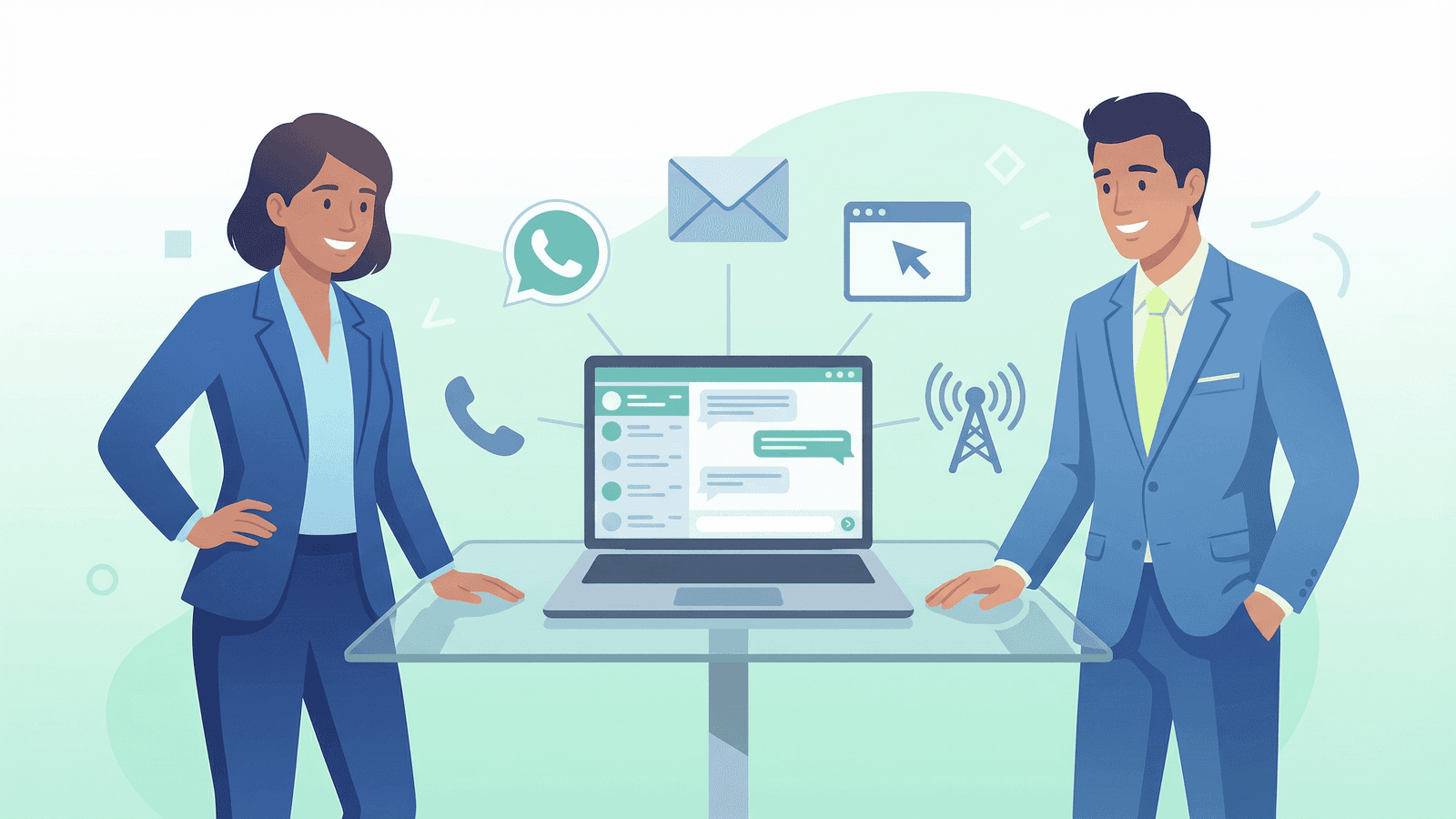
Chatbyte is the only platform on the European market that combines an AI chatbot and AI phone agent on a single platform. While other providers cover either chat or phone only, Chatbyte offers a true multichannel solution across all relevant communication channels.
Why Chatbyte?
All channels from one platform. With Chatbyte, you reach your customers wherever they are: via website chat, WhatsApp, email, RCS Business Messaging, and even by phone with the integrated AI phone agent. You manage all conversations in a single dashboard – regardless of channel.
Official RCS partner. Chatbyte is an official partner of Vodafone, Telekom, 1&1, and Telefonica for RCS Business Messaging – a unique selling point that no other chatbot provider in Europe can match. RCS is the successor to SMS and enables rich, interactive messages directly in the smartphone's native messaging app.
GDPR-compliant and EU-hosted. All data is stored and processed in the EU. Chatbyte provides a full Data Processing Agreement and meets all requirements of the GDPR and the EU AI Act.
Easy setup without coding. The chatbot can be set up in minutes: upload your website URL or documents, customise the tone and design, select your channel – done. No developers, no code, no complicated configuration.
Fair pricing with no surprises. Chatbyte offers transparent pricing starting at EUR 45/month for the AI chatbot and EUR 0.20/minute for the AI phone agent. No hidden costs, no long-term contracts, free trial included.
Feature | Chatbyte | Typical Competitor |
|---|---|---|
AI Chatbot | Yes | Yes |
AI Phone Agent | Yes | No |
Yes | Partial | |
Yes | Rare | |
RCS Business Messaging | Yes (official partner) | No |
GDPR-compliant | Yes, EU-hosted | Varies |
No-code setup | Yes | Partial |
Starting price | EUR 45/month | EUR 49–199/month |
Frequently Asked Questions
How much does an AI chatbot for business cost?
The cost of an AI chatbot varies depending on the provider and feature set. Entry-level solutions start at around EUR 30–50 per month, while professional solutions with advanced features and integrations range from EUR 100–300 per month. Enterprise solutions with custom development can be significantly higher. Chatbyte offers a competitive entry point at EUR 45/month with all essential features included.
How long does it take to implement an AI chatbot?
With modern no-code platforms like Chatbyte, an AI chatbot can be up and running within 30 minutes to a few hours. The basic configuration – uploading the knowledge base, customising the design, embedding on your website – takes just a few clicks. The subsequent optimisation phase, where the chatbot is refined based on real conversations, typically takes 1–2 weeks.
Does an AI chatbot replace human employees?
No. An AI chatbot is not a replacement but a complement to your team. It handles repetitive standard inquiries (opening hours, pricing, order status), freeing your staff to focus on complex issues that require empathy, creativity, or negotiation skills. When needed, the chatbot seamlessly hands off to a human agent.
Is an AI chatbot GDPR-compliant?
That depends on the provider. Look for EU hosting, a Data Processing Agreement (DPA), certifications such as ISO 27001, and assurance that customer data is not used for model training. Providers like Chatbyte meet all GDPR requirements and are fully EU-hosted.
Can an AI chatbot be used on WhatsApp?
Yes, some providers support WhatsApp as a communication channel. Chatbyte offers full WhatsApp integration, allowing customers to communicate with your business through their preferred messaging app – with the same AI quality as the website chat.
What is the difference between an AI chatbot and a rule-based chatbot?
A rule-based chatbot follows rigid if-then rules and can only respond to predefined inputs. An AI chatbot, on the other hand, understands natural language, recognises the intent behind a message, and can respond meaningfully even to unexpected questions. AI chatbots are significantly more flexible, more natural in conversation, and can learn from interactions.
This article is regularly updated. Last update: March 2026. All information without guarantee.
Chatbyte – The multichannel AI platform for your customer service. www.chatbyte.ai